BMP to ICO
Created on 25 October, 2025 • Image Manipulation tools • 263 views • 2 minutes read
BMP to ICO conversion is the process of turning traditional bitmap files (BMP) into icon files (ICO). BMP is a widely recognized
BMP to ICO Conversion: Transforming Bitmap Images into Icons for Better Branding
What is BMP to ICO Conversion?
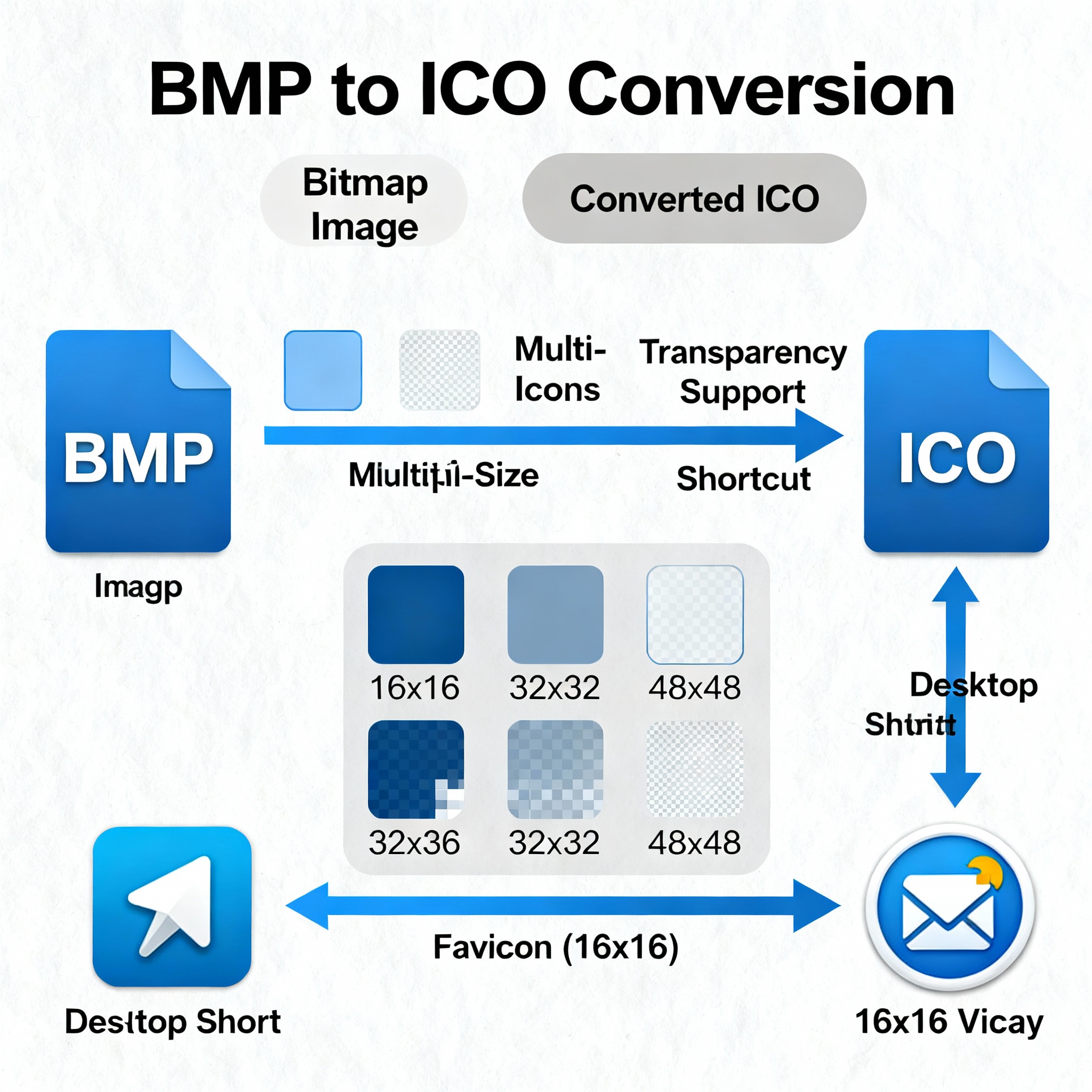
BMP to ICO conversion is the process of turning traditional bitmap files (BMP) into icon files (ICO). BMP is a widely recognized and legacy image format that stores pixel data without compression, resulting in high-quality but large image files. ICO, on the other hand, is the standard icon format for Windows and many desktop applications, supporting multiple image sizes and transparency, optimized for use as website favicons, app icons, and shortcut graphics.
Why Convert BMP to ICO?
- Professional Visual Branding: Colored and detailed ICO icons strengthen your brand presence on desktops, browsers, and devices.
- Multi-size Compatibility: ICO files house several image sizes (e.g., 16x16, 32x32, 48x48 pixels), allowing seamless scalability without pixelation in toolbars, menus, or browser tabs.
- Transparency Support: Unlike basic BMP, the ICO format supports transparency, enabling cleaner and more polished icon designs that look sharp against any background.
- Seamless Integration: Most operating systems, website builders, and applications recognize ICO files instantly, streamlining your workflow in UI/UX projects or web development.
How BMP to ICO Conversion Works
Using Online Converters and Graphic Design Software
Popular graphic software (such as Photoshop, GIMP, and Paint.NET) and countless online conversion tools simplify BMP to ICO conversion. Users typically upload or select their BMP file, set icon dimensions (often from preset lists), and activate transparency or color settings before downloading the ready-made ICO icon.
Steps to Convert BMP to ICO
- Choose Your BMP File: Locate or upload the desired bitmap image.
- Select Icon Dimensions: Decide which sizes you need (standard icons include 16x16, 32x32, and 48x48 pixels).
- Enable Transparency (if necessary): For icons with visible backgrounds, enable transparency or alpha channel support.
- Execute Conversion: Use your software or online converter to transform and save the output file as .ico.
- Download and Apply: Use the new ICO file for favicon, desktop shortcut, or app icon purposes.
SEO Benefits of Optimizing Icons on Your Site
Enhanced User Experience
Favicons and shortcut icons crafted in the ICO format elevate the visual experience and professionalism of your website or Windows application. A well-designed icon increases recognition and trust among users.
Cross-device Consistency
Having icons in multiple resolutions means your logos and symbols always appear crisp and clear, whether on high-DPI screens, browser address bars, or app tiles. This uniform presentation supports cohesive branding across platforms.
Faster Website Recognition
A unique and clear favicon in ICO format makes your site stand out in browser tabs and bookmarks, helping users instantly identify your domain. Enhanced recognition can lead to better engagement and lower bounce rates.
Pro Tips for BMP to ICO Conversion
- Start With a High-Quality Image: Crisp, simple BMP images turn into more effective readable icons.
- Test Multi-size Output: Ensure your icon is easily recognizable when scaled down to 16x16 and up to 48x48 pixels.
- Use Transparency Wisely: Icons should look clean against light or dark backgrounds; test the final result for both.
- Keep File Names Descriptive: Proper naming helps with organization, especially for WordPress sites or app stores.
Conclusion
BMP to ICO conversion empowers designers, developers, and brands to create professional, versatile icons from bitmap images. With seamless scalability, transparency options, and universal application support, ICO is the ideal format for bringing your digital branding to life. Whether for favicons, program shortcuts, or applications, transforming your BMP files into ICO icons ensures your brand remains prominent, memorable, and sharp across all devices and platforms.
Popular posts
-
GIF to BMPImage Manipulation tools • 843 views
-
GIF to WEBPImage Manipulation tools • 784 views
-
GIF-to-PNGImage Manipulation tools • 636 views
-
SHA-3/512 generatorConverter tools • 435 views
-
GIF to JPGImage Manipulation tools • 402 views