ICO to JPG
Created on 25 October, 2025 • Image Manipulation tools • 251 views • 3 minutes read
ICO to JPG conversion is the process of transforming icon files (ICO), which are commonly used for website favicons and desktop shortcuts
ICO to JPG Conversion: Streamlining Icons for Universal Image Use
What is ICO to JPG Conversion?
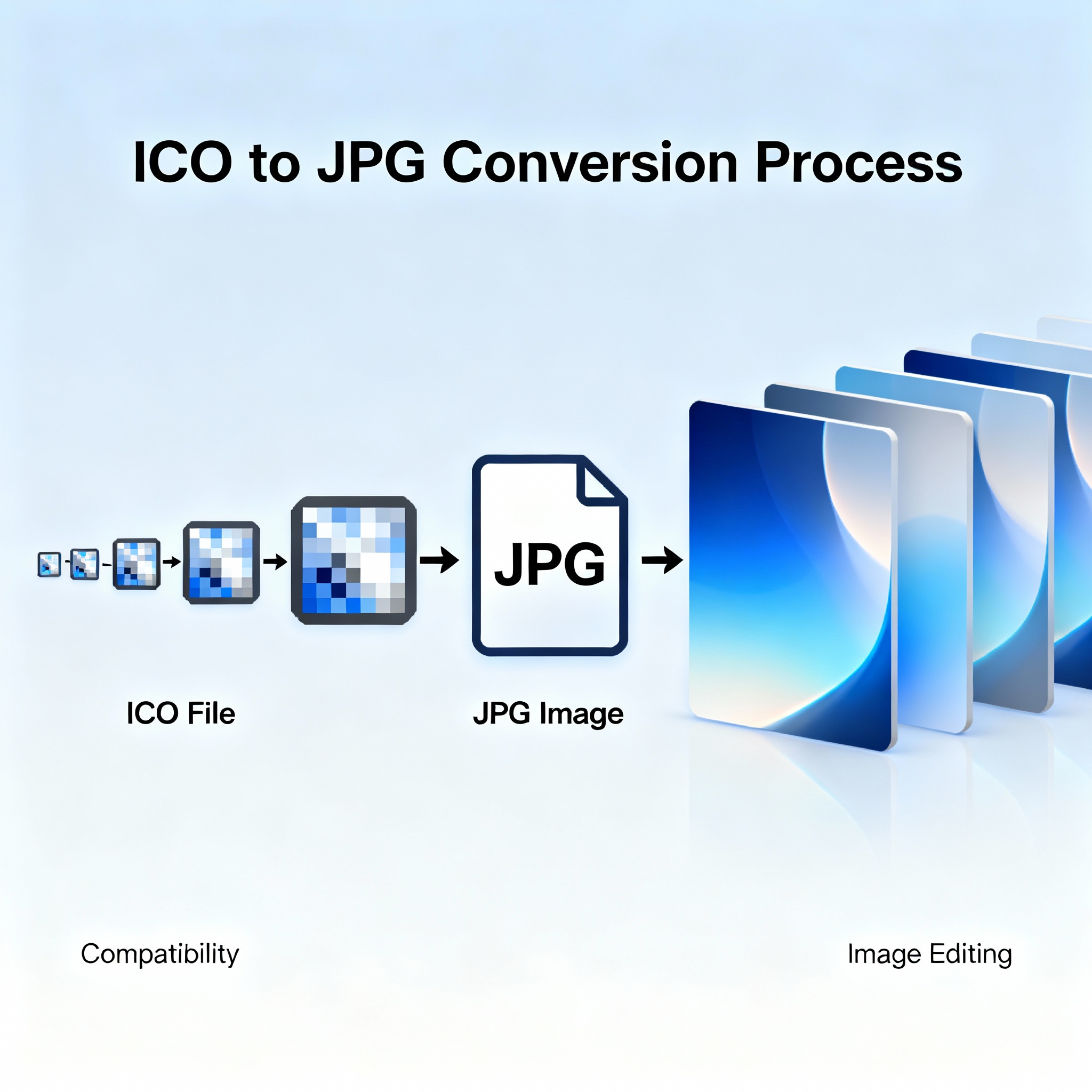
ICO to JPG conversion is the process of transforming icon files (ICO), which are commonly used for website favicons and desktop shortcuts, into standardized JPEG image files (JPG). The ICO format is recognized for its ability to store graphics in multiple resolutions and with transparency; however, it is primarily intended for icons and not for use as general-purpose photos. JPG, by contrast, is universally supported and best suited for sharing, displaying, and optimizing photographs and images on the web. Converting ICO to JPG increases compatibility and makes your icon graphics more versatile in everyday applications.
Why Convert ICO to JPG?
- Greater Compatibility: JPG images work seamlessly on all operating systems, web browsers, and applications. Converting icons to JPG ensures you can use them anywhere.
- Optimized for Web Display: JPG files load quickly and are ideal for showcasing images on websites, social media, and email without transparency or resolution complexity.
- Ease of Editing: JPG is the go-to format for most image editors. Once your ICO is converted, you can easily crop, adjust, or retouch your graphic for broader creative possibilities.
- Efficient File Size: JPEG’s compression technology keeps image file sizes small, which speeds up website and app loading times and conserves storage space.
How ICO to JPG Conversion Works
Using Online Converters and Graphic Software
Many online platforms and graphic design programs (such as Photoshop, GIMP, and Paint.NET) provide easy ICO to JPG conversion. The process usually involves uploading your ICO file, selecting JPG output format, and optionally adjusting quality settings. Advanced software may allow tweaks such as resizing, color adjustments, and removing or flattening transparent areas (since JPG does not support transparency).
Steps to Convert ICO to JPG
- Select Your ICO File: Locate and upload the icon file you want to convert.
- Choose Output Format (JPG): Confirm the output file type as JPEG or JPG.
- Set Image Quality: Adjust compression settings for optimal balance between file size and image clarity.
- Handle Transparency: Since JPG does not support transparency, the transparent parts of your ICO will be rendered against a default color (usually white or black).
- Download the JPG Image: Save the converted file and use it across websites, projects, or social media.
SEO Benefits of Using JPG Images in Web Projects
Faster Page Loading
JPEG’s highly efficient compression reduces page weight and increases website speed — a crucial factor in search engine optimization (SEO). Fast-loading websites rank higher and keep visitors engaged longer.
Universal Display Quality
JPG images scale efficiently and display well on all devices. Unlike ICO, which may appear pixelated or fail in certain contexts, JPG preserves your graphics’ clarity on desktops, tablets, and smartphones.
Easy Social Sharing
JPG is the standard image format for social platforms, blogs, and emails. Having your graphics in JPG makes it simple to share, repost, or feature content for broader reach.
Tips for Effective ICO to JPG Conversion
- Use High-Resolution ICO Files: Start with the largest icon size available to avoid pixelation when converting or resizing.
- Preview Converted Images: Review your new JPG for color and detail accuracy, and re-adjust compression if needed.
- Batch Converting: For multiple icons, use batch tools to save time and keep formatting consistent.
- Archive Originals: Keep a copy of your ICO files in case you need transparency or further icon editing.
Conclusion
ICO to JPG conversion empowers users to repurpose icons for universal use as standard images. By converting your specialized graphics into JPG files, you unlock broader compatibility, faster load times, and increased visual impact for web and print projects. This process streamlines digital branding and supports SEO goals, ensuring your images—the cornerstone of online engagement—are as flexible and accessible as possible.
Popular posts
-
GIF to BMPImage Manipulation tools • 843 views
-
GIF to WEBPImage Manipulation tools • 784 views
-
GIF-to-PNGImage Manipulation tools • 636 views
-
SHA-3/512 generatorConverter tools • 435 views
-
GIF to JPGImage Manipulation tools • 402 views