ICO to PNG
Created on 25 October, 2025 • Image Manipulation tools • 281 views • 2 minutes read
ICO to PNG conversion refers to the process of changing icon files (ICO), commonly used for desktop shortcuts and website favicons
ICO to PNG Conversion: Modernizing Icons for Versatile Digital Use
What is ICO to PNG Conversion?
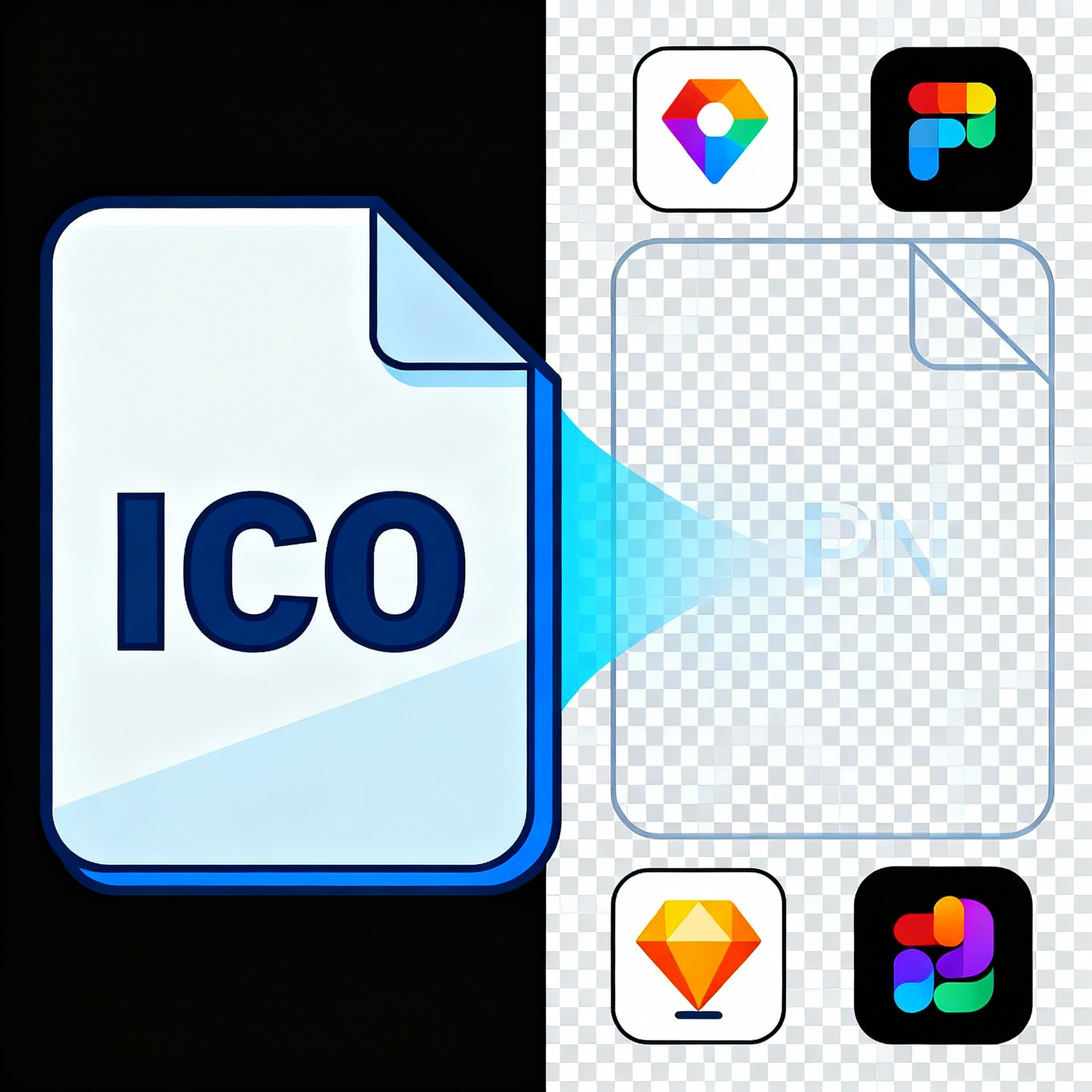
ICO to PNG conversion refers to the process of changing icon files (ICO), commonly used for desktop shortcuts and website favicons, into the PNG (Portable Network Graphics) format. ICO files are ideal for icons since they store multiple resolutions and support transparency, but they are mostly limited to specific system uses. PNG format, in contrast, is a universally supported, lossless image format widely used across websites, digital designs, and user interfaces. Converting ICO to PNG makes icon graphics usable in a broader range of applications.
Why Convert ICO to PNG?
- Broad Compatibility: PNG files work on all operating systems, browsers, design tools, and social platforms, making the converted icon far more versatile than the ICO format.
- Preserved Transparency: Like ICO, PNG supports transparent backgrounds, ensuring icons display cleanly in modern web and app layouts.
- Lossless Quality: PNG uses lossless compression, which means your icons retain every pixel of detail and color depth after conversion.
- Easy Editing and Resizing: PNG images can be resized, cropped, and edited with no loss of quality, perfect for responsive design projects and app interfaces.
- Lightweight Files: PNG files are optimized for storage and transfer, speeding up website load times and improving user experience.
How ICO to PNG Conversion Works
Using Online Tools and Graphic Software
ICO to PNG conversion is made simple by many online converters and graphic applications like Photoshop, GIMP, or Paint.NET. Users can upload an ICO file, select desired icon resolution, and export the image as PNG while retaining optional transparency and quality features.
Steps to Convert ICO to PNG
- Upload Your ICO File: Select the icon you want to convert.
- Choose Output Resolution: Pick the right size (16x16, 32x32, 48x48, etc.) for your intended use.
- Enable Transparency: Make sure the converter preserves the transparent background for seamless design.
- Convert and Export: Transform the image into PNG format and save the new file.
- Edit and Apply: Resize or adjust the PNG for web, mobile, desktop, or print as needed.
SEO Benefits of Using PNG Images
Optimized Page Speed
PNG images are lightweight and help reduce page load times—crucial for SEO and user retention. Faster sites are favored by search engines and ranked higher in results.
Enhanced Visual Appeal
Quality icons drive better first impressions and brand recognition. Using clear, sharp PNG icons ensures your website looks professional on all devices, resulting in longer visits and increased engagement.
Cross-Platform Consistency
Since PNG works everywhere, your icons and graphics maintain perfect consistency across browsers, devices, and operating systems. This reliability helps build trust and improves your site's authority with search engines.
Best Practices for ICO to PNG Conversion
- Start with High-Resolution Icons: Use the largest, clearest ICO image to generate crisp PNGs for all screen sizes.
- Test on Multiple Devices: Preview converted PNGs on desktop, mobile, and tablets to ensure flawless rendering.
- Optimize File Size: Use compression tools to minimize PNG file size while maintaining visual quality.
- Maintain Transparency: Always preserve transparent backgrounds to keep icons looking clean across diverse interfaces.
Conclusion
ICO to PNG conversion empowers designers and developers to bring classic icon graphics into the modern digital landscape. By converting your icons into PNG format, you gain the benefits of universal compatibility, lossless quality, and responsive design flexibility. Whether you’re updating a website, mobile app, or desktop software, switching from ICO to PNG guarantees your icons will look sharp, load fast, and deliver a seamless user experience that supports your SEO and branding goals.
Popular posts
-
GIF to BMPImage Manipulation tools • 843 views
-
GIF to WEBPImage Manipulation tools • 784 views
-
GIF-to-PNGImage Manipulation tools • 636 views
-
SHA-3/512 generatorConverter tools • 435 views
-
GIF to JPGImage Manipulation tools • 402 views